







IHF Logo

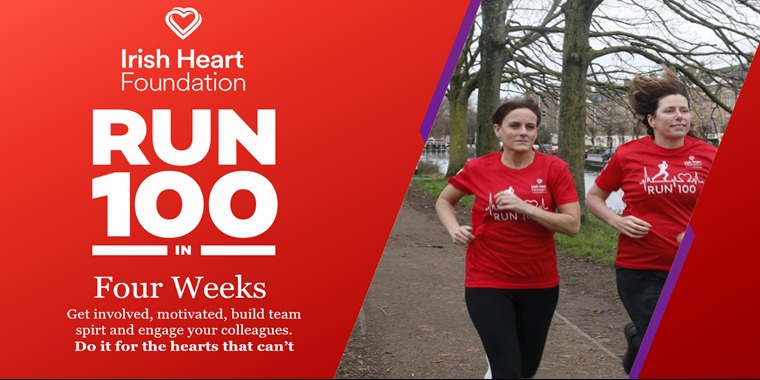
DO IT FOR THE HEARTS THAT CAN'T

Improve your heart health, create new habits, get fit and help make a difference by raising much needed funds!

€0

Currently raised

5

People joined

Leaderboard

Top fundraisers

Fundraiser Image
Anne Riordan

€0

Raised
Fundraiser Image
Sophie O'Donoghue

€0

Raised
Fundraiser Image
TRACY HAMILTON

€0

Raised
Fundraiser Image
Brian Anthony Maher

€0

Raised
Fundraiser Image
Alex Stefansky

€0

Raised

Fundraiser Image
A Smith-Barry house & A Swimming Pool

€0

Raised
Fundraiser Image
Anne's Rebels

€0

Raised
Fundraiser Image
eDesk Team!

€0

Raised
Fundraiser Image
Stefansky

€0

Raised
Fundraiser Image
Tracy

€0

Raised

RUN 100 FAQ'S

How do I register my company team?

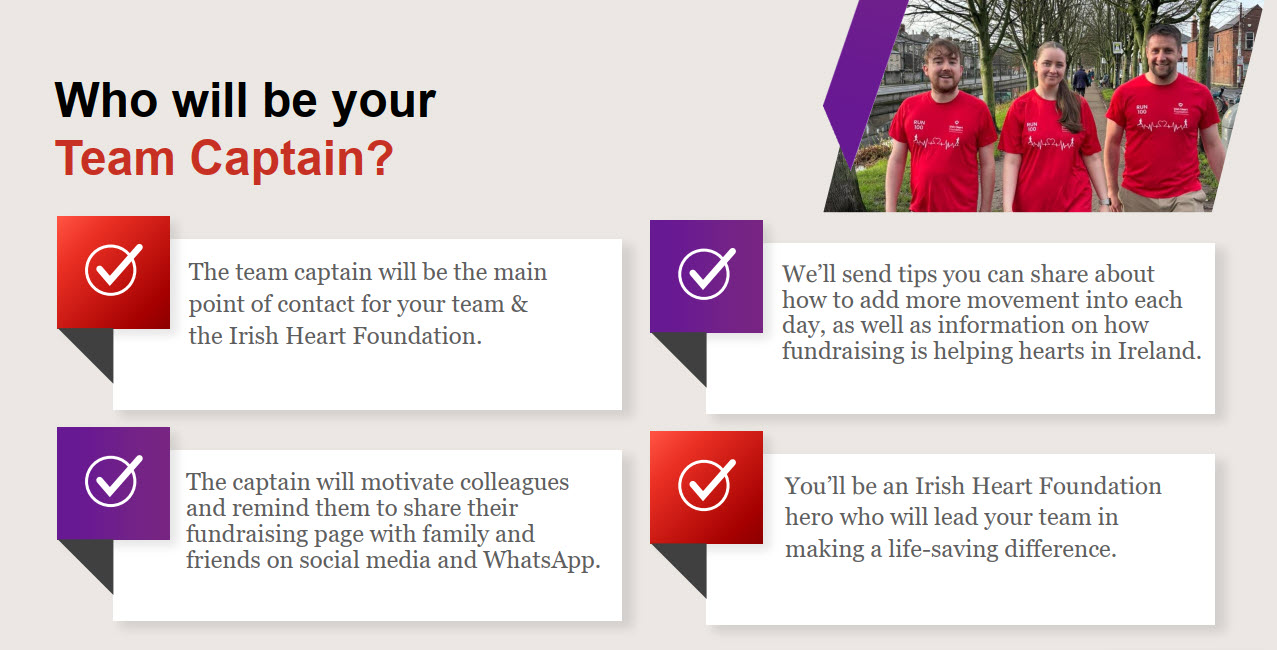
The first step is to choose your team captain. They should fill out the registration form to create their own page and also create a new team and team password. The team captain can then share the sign-up link with team members, and let them know the team name and password. Once each team member has signed up, they will have their own personal page for fundraising and logging steps.

How do I log into my page?

You will need to log in using the email address which you entered on the registration form. You will find the ‘Sign In’ button at the top right-hand corner of this event page. If your password does not work, you can try to reset the password for the account by clicking ‘Forgot Password’. Make sure to check spam in case the reset link has gone into that folder and allow a little bit of time for the reset email to arrive. If your email address is not recognized, try logging in using your work email address, or perhaps you used a personal email address when you signed up? If there was any mistake when the email address was first typed out, the reset link will not send.

Where do I find the QR code for my page?

On your fundraising page, click the green Share button (underneath the Donate button). Then click ‘QR code’ and your QR code will appear.

Do we have to hit the 100 miles/km target?

We encourage you to do your best to reach this goal, but it is important to take some rest days too. You might also like to set your own personal goal. This challenge encourages you to move more, so even if you can increase your average step count, you are making a difference. If you have any health concerns before taking part, please consult a medical professional.

When will I receive my t-shirt?

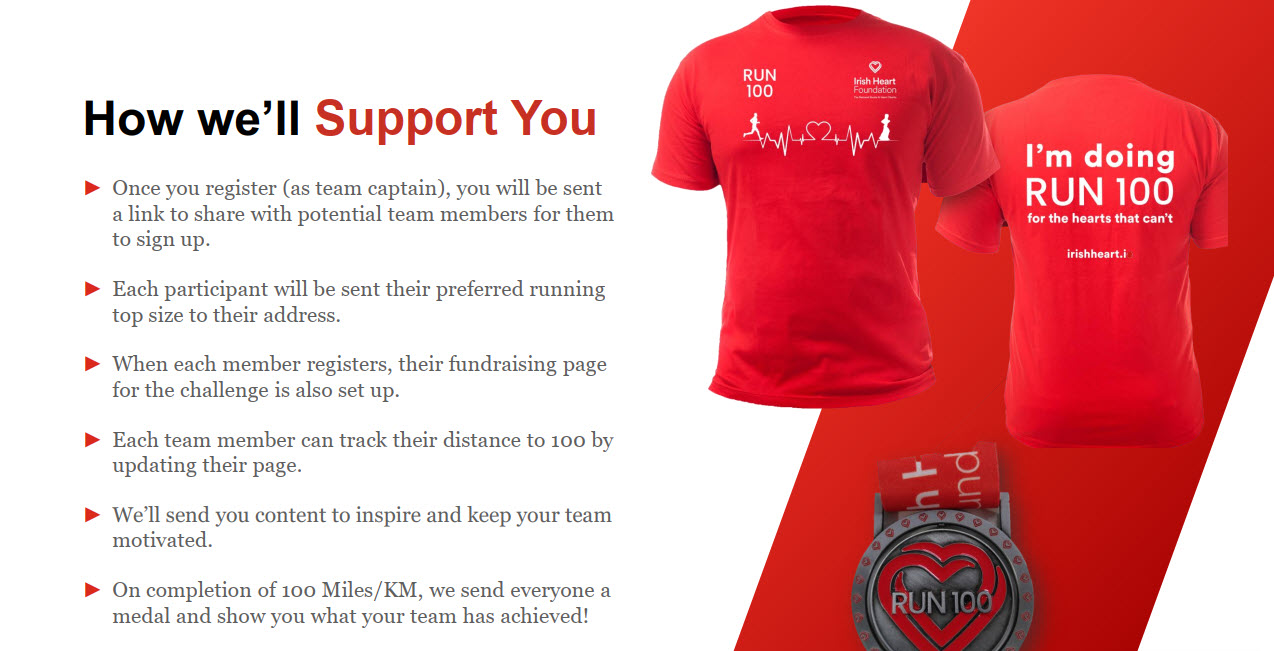
You can expect to receive a t-shirt within 8-10 days after signing up but there may be a delay at peak order times. If you have not received a t-shirt within two weeks of signing up, please get in touch with us.

Is there a limit on the number of people per team?

There is no limit on the number of people per team.

Can we track steps offline?

We recommend that you track steps through your page, as this allows you to use the leaderboard function and each person can track their individual progress. You will also be able to see how well you are doing as a team.

How do I log my distance?

Sign in to your page with your email address and password. You will see some options for your fundraising page – choose ‘Challenge Updates’. On the following screen, click on ‘Add Record’. Fill out the Challenge Record with the date and the number of miles or kms you have done for that day. You also have the option to add a comment or upload an image if you choose. For example, the image might be a screenshot of your smartphone or watch where you have tracked your distance, or it could be a scenic photo from your walk or run.

Where do I find the leaderboard?

You can find the leaderboard in the middle of this event page, above the Run 100 FAQs.

We would like to make a company donation, can we donate through our fundraising page?

Yes you can make a donation through your team or individual fundraising pages by card. If you would like to use an alternative payment method such as bank transfer or cheque, just get in touch with us at corporate@irishheart.ie

How do I update the photo or text on my page?

Sign in to your page with your email address and password. You will see some options for your fundraising page – choose ‘Edit your page’. You can change your target amount, page text or custom images, and click ‘Save’.

REGISTER NOW

Improve your heart health, create new habits, get fit and help make a difference by raising much needed funds!